
Log File Analysis that shows how Google actually crawls your site
Crawl tools simulate. Search Console summarises. Server logs reveal reality. We analyse bot behaviour to find crawl waste, unblock indexing, and prioritise fixes that get your important URLs crawled more often.
Reply within 1 business day • No contracts • See case studies
When this is the right move
- Important pages are not getting crawled, or indexing is inconsistent
- Large site with faceted navigation, filters, or near-duplicate URL patterns
- Migrations and redesigns where crawl paths changed
- Spike in crawl errors, soft 404s, or odd bot activity
What we typically uncover
- Bot traps and parameter loops eating crawl budget
- Wasteful 3xx chains and 4xx clusters that keep getting hit
- Template areas that bots prioritise over revenue pages
- Misconfigured directives (robots, canonicals, sitemaps) causing mixed signals
Why log file analysis changes decisions
When stakes are high, you want certainty. Logs show which URLs bots request, how often, what status they receive, and where crawl time is being wasted.
Reality, not assumptions
See what bots actually crawl, not what your crawler thinks they should crawl.
- Googlebot vs other bots
- Crawl frequency by URL pattern
- Status code distribution by template
Find crawl waste fast
Locate the parts of the site that absorb bot attention without producing rankings or revenue.
- Parameter loops and filter traps
- Internal search URLs
- Infinite pagination or calendar paths
Turn insight into tickets
You get a prioritised plan your team can execute, with clear next actions.
- Backlog grouped by owner
- Expected impact and confidence
- QA checks after release (Tier 3)
| Question | Server logs | Crawl tools | Google Search Console |
|---|---|---|---|
| Which URLs are bots requesting right now? | Exact requests | Simulated crawl | Aggregated, delayed |
| How often is Googlebot crawling key templates? | Frequency by pattern | Inferred | Partial via crawl stats |
| Which 3xx/4xx URLs keep getting hit? | Repeated hits | May miss frequency | Samples, not full |
| Are directives influencing crawl paths as intended? | Verify outcomes | Needs assumptions | Indirect signals |
| What should we fix first for crawl budget? | Prioritise with evidence | Helpful context | Helpful context |
Privacy-first handling
We only analyse what is needed to answer crawl and indexation questions. We can work with anonymised IPs and limited fields if required by policy.
Interlocks with your technical stack
We align findings to fixes that matter: crawl and indexation, robots and sitemaps, and canonicalisation.
Our log analysis process
Built for teams that want answers they can ship. Clear inputs, clean analysis, and a prioritised backlog that fits your sprint planning.
Click a step to view details
- 1 Access + ingestConfirm fields, timeframe, and bot labelling
- 2 Normalise + cleanDeduplicate, group patterns, handle noise
- 3 Crawl pathsFind entry points and internal linking signals
- 4 Status codes3xx, 4xx, 5xx clusters and repeats
- 5 Budget + bloatWaste hotspots, index bloat plan
- 6 Backlog + readoutTickets, owners, expected impact
1) Access + ingest
We start by making log access easy and safe, then confirm the question we are answering.
- Define scope
Which subdomains, environments, and bot types matter. - Choose timeframe
Typically 30 to 90 days depending on seasonality and volume. - Bot identification
Googlebot, Bingbot, important third-party bots, and unknowns.
2) Normalise + clean
We transform raw logs into analysis-ready datasets that are easy to interpret and action.
- URL pattern grouping
Templates, parameters, directories, and duplicates. - Noise filtering
Remove irrelevant assets and focus on crawl-impacting requests. - Status code audit
Map errors and redirects to their source patterns.
3) Crawl paths
We identify entry points and paths that push bots toward (or away from) your important pages.
- Crawl entry points
Home, sitemaps, category pages, internal search, and parameters. - Template prioritisation
Which templates receive the most crawl attention and why. - Internal linking implications
Tie findings to internal linking strategy.
4) Status codes
We surface repeat offenders that waste crawl budget and cause indexing instability.
- Redirect chains
3xx sequences that keep getting hit, plus where they originate. - 4xx clusters
Soft 404s, broken endpoints, and repeated 404 hits. - 5xx resilience
Server instability windows and crawl behaviour changes.
5) Crawl budget + index bloat plan
We identify wasted crawl and map fixes to directives, templates, and content governance.
- Bot traps
Parameters, facets, and infinite spaces. - Directive alignment
Support with robots.txt and XML sitemaps. - Duplicate control
Pair with canonicalisation and pruning.
6) Backlog + readout
Every insight becomes an action. You get a ticket list, recommended order, and an executive summary.
- Priority ticket list
Grouped by owner (SEO, dev, content) with expected impact. - Readout call
Walkthrough and Q&A, plus decisions on what ships first. - Optional QA
Tier 3 includes QA after one release to validate outcomes.
Outcomes we optimise for
- More crawl allocation to important templates and money pages
- Faster discovery and recrawl for new and updated content
- Cleaner indexation footprint (less bloat, fewer thin variants)
- Fewer repeated error hits from bots
Common follow-on work
Many fixes ship best alongside related technical work: crawl and indexation fixes, site architecture and internal linking, and schema markup.
Proof across competitive Vancouver markets
Technical clarity compounds. When crawl and indexation improve, everything else gets easier: content wins faster, links land harder, and rankings stabilise.

Jet Pet Resort
One content asset drove outsized growth and helped secure top placements.
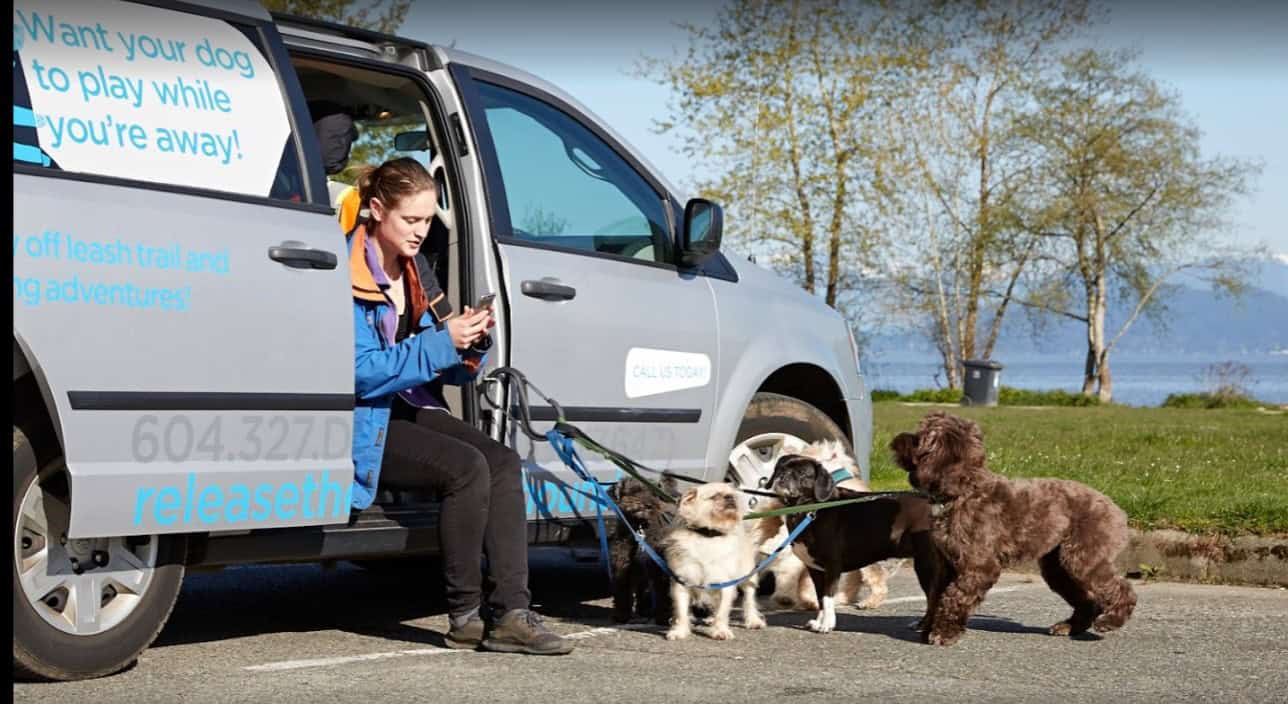
Release The Hounds
Intelligent optimisations and new assets delivered massive local visibility.

Ron Parpara
Structured execution and technical cleanup led to dominant rankings and conversions.
Log File Analysis pricing
One-time projects with a clear outcome promise. Choose the level that matches your site size, stakeholder complexity, and how quickly you want to ship fixes.
We do not take on two direct competitors in the same industry and service area at the same time on Tier 2 plans and up. Ask if your niche and location qualify.
Find crawl waste fast
Best for smaller sites or a first pass to uncover obvious traps and high-leverage fixes.
- Outcome: find crawl waste and unlock faster indexing
- Log ingestion and bot labelling (typical 30 to 60 days)
- Most-requested crawl patterns and waste hotspots
- Quick fix recommendations and next steps
- Readout notes
Ship a crawl budget plan
Best for ecommerce, directory sites, or any site with parameters, facets, or template duplication.
- Outcome: crawl budget plan you can execute
- Logs typically 60 to 90 days
- Bot trap diagnosis (parameters, internal search, pagination)
- Crawl budget and index bloat plan
- Priority ticket list and readout call
Governance + QA after release
Best for large sites, multiple stakeholders, or teams that want verification after fixes ship.
- Outcome: governance plus QA after first release
- Logs 90+ days, multi-segment analysis
- Full ticket list with owners and sequencing
- Stakeholder workshop
- QA after one release to validate outcomes
Timeline
- Foundation: typically 7 to 10 business days
- Growth: typically 10 to 14 business days
- Scale: typically 3 to 4 weeks
If you have a fixed release window, tell us and we will structure the readout and backlog around it.
What we need from you
- Server log access (or export) for the agreed timeframe
- Confirm key templates and revenue URLs, plus any noindex rules
- Access to Google Search Console (view) for context
- Dev contact for implementation questions (recommended)
If log access is complex, we can guide your team or hosting provider through what to export.
Log file analysis FAQs
Common questions from teams who want crawl certainty before investing engineering time.
What log fields do you need?
Can you confirm if Google is ignoring our directives?
Is this useful for smaller sites?
Do you implement the fixes too?
How do you handle sensitive data?
What is the best companion service?
Get a Log File Analysis proposal
Tell us your site and what feels off. We will recommend the right tier, confirm required log access, and map the fastest path to crawl clarity.
Free audit included. No pressure. If we are not a fit, we will tell you quickly.
Step 2: Choose a time
Pick a slot that works. We will come prepared with next-step options and access requirements.
What we will cover
- Log access path and required fields
- Which tier matches your site
- Fastest fixes for crawl waste
- Implementation options

 721+ campaigns delivered (since 2015)
Kickoffs scheduled weekly
721+ campaigns delivered (since 2015)
Kickoffs scheduled weekly
What you get (deliverables)
- Log ingestion + bot labelling, grouped by template and URL pattern
- Status code distribution, repeat offenders, and hotspot summary
- Bot trap diagnosis: parameters, internal search, pagination, infinite spaces
- Crawl budget and index bloat plan with recommended directives
- Prioritised ticket list (what ships first and why)
- Readout call and implementation support options
Helpful next pages
Prefer to start lighter? Consider a free SEO audit or a technical SEO audit to validate priorities before digging into logs.