
Performance Max Asset Creation & Optimization that turns coverage into conversions
Performance Max lives and dies by creative. VSA builds the image + video + copy assets your account needs, then continuously improves asset groups using real conversion data (not vibes) so PMax can learn faster and waste less.
Prefer full service? Performance Max campaign management • Google Ads packages
Why Performance Max assets are the actual strategy
PMax decides what to show (and where) using a mix of intent signals, landing page relevance, and creative fit. If your assets are thin, repetitive, or mismatched to your offer, you’ll pay for exploration you didn’t ask for.
Coverage without clutter
We aim for “enough” variations to help the system learn, not endless permutations that dilute message clarity. Every asset is tied to a specific angle and landing experience.
- Hook sets by audience temperature (cold / warm / returning).
- Offer sets by margin + fulfilment constraints.
- Creative sets by format (image, video, carousel-like sequences).
Asset group intent alignment
We map each asset group to a single commercial intent cluster and a tight set of landing URLs to avoid “mixed signals” that inflate CPA or flatten ROAS.
- One core promise per asset group.
- One primary conversion action per landing page.
- Clear exclusions when needed (brand safety + offer eligibility).
Optimisation = replacement, not “tweaks”
The fastest improvements usually come from swapping in better assets (new hooks, stronger proof, clearer CTAs), not micro-edits. We run a clean replacement loop.
- Keep winners, retire underperformers, and reduce redundancy.
- Test one variable at a time (hook, proof, offer, visual style).
- Protect learning with structured rollouts.
What VSA builds for PMax
You get a complete “launch-ready” asset kit—copy, image direction, video concepts/cutdowns, and a structured naming + mapping system so you can scale without chaos.
Copy sets (built to rotate)
- Hook library: value props, pain points, “why now”, and objection-handling.
- Proof blocks: quantified outcomes, guarantees, and credibility cues (where allowed).
- Offer clarity: what’s included, who it’s for, and what happens next.
- Landing page mapping: each angle points to the best-matching URL.
Need help with broader creative? See Demand Gen creative and asset production.
Image direction + production
- Style guide: framing, typography rules, colour discipline, and safe overlays.
- Angle packs: visuals that match a single promise (not generic brand shots).
- Variant structure: small, meaningful differences (shot type, headline, proof).
- Alt text + naming: tidy internal workflow and future-proof reporting.
If your tracking is shaky, start with Conversion Tracking Setup (GA4 + GTM).
Video concepts + cutdowns
If you don’t have a video library, PMax can get stuck. We design a practical baseline package that fits your production reality.
- Concepts for 15s / 30s / 45s (plus vertical variants).
- Script + shot list that can be filmed quickly.
- UGC-style structure (hook → proof → demo → CTA) when relevant.
- Cutdown plan so one shoot yields multiple tests.
Brand + compliance guardrails
- Brand safety checks: placements and asset suitability.
- Claim discipline: proof-first, clarity-first messaging that stays defensible.
- Audience fit: prevent mismatched expectations that inflate lead waste.
- Creative QA: readability, cropping, and mobile-first legibility.
For deeper safeguards, pair with Placement Audits and Brand Safety.
Asset Coverage Planner (what “good” looks like)
This is the practical checklist we use to keep PMax creative organised: enough variety to learn, tight enough to stay on-message.
| Asset area | Minimum baseline | Better | Best (for scaling) | Common failure mode |
|---|---|---|---|---|
| Hook families | 3 angles | 5 angles | 7–9 angles | One generic message repeated across assets |
| Image sets | 10–15 usable images | 20–30 images | 40+ images across angles | Only “brand” images; no offer-specific visuals |
| Video | 2–3 short variants | 5–8 cutdowns | 10+ (mix of formats) | No video library → weak coverage and slow learning |
| Asset group mapping | 2–3 groups | 4–6 groups | 7–12 groups | One “mega group” mixing intents and offers |
| Landing alignment | Some matching | Tight matching | Tight + exclusions | Sending every angle to the same “everything” page |
| Iteration cadence | Monthly swap | Bi-weekly swap | Weekly micro-tests | Endless “tweaks” instead of real replacements |
Want us to handle extensions and supporting assets too? See Google Ads Assets and Extensions Optimization.
The VSA PMax creative optimisation system
A repeatable loop: diagnose → build → map → launch → read signals → replace. No bloated process, no handoffs, no “creative theatre.”
-
1Asset audit + gap map What’s missing, redundant, or misaligned
-
2Angle design Hooks, proof, and offer structure
-
3Production package Copy sets + image direction + video plan
-
4Asset group architecture Intent clusters and landing mapping
-
5Launch + stabilise Protect learning while testing
-
6Replace loop Swap assets based on conversion signals
1) Asset audit + gap map
We start by finding the fastest leverage: duplicated messages, weak proof, missing video coverage, unclear offers, and asset groups that mix different intents.
- Inventory your existing image/video/copy and rank by usefulness.
- Map each asset to an “angle” so we can see what’s over/under represented.
- Identify mismatches between ad promise and landing reality.
2) Angle design
We build an angle library that your account can scale with—each angle has a hook, proof, offer framing, and CTA. This prevents “random creative” and improves message consistency.
- Cold vs warm messaging variants (same offer, different framing).
- Objection-handling angles (price, time, trust, complexity).
- Proof-first angles where you have real evidence.
3) Production package
We create a practical production plan that fits your team: what to shoot, what to design, what to reuse, and what to cut down. The goal is maximum testable variety with minimum chaos.
- Copy sets (hooks + proof + CTAs) with naming conventions for reporting.
- Image direction with do/don’t rules for mobile legibility.
- Video scripts + shot lists + cutdown plan.
4) Asset group architecture
We structure asset groups so each one has a clear job. That means tighter landing mapping, cleaner audience signals, and fewer “mixed intent” conversions that pollute optimisation.
- Intent cluster → matching landing page(s) → matching asset angles.
- Audience signals that reinforce (not override) intent.
- Exclusions when the business model requires it.
5) Launch + stabilise
We protect the learning phase while still moving quickly. That means controlled changes, clear hypotheses, and keeping the account’s conversion signals clean.
- Rollout plan: what changes now vs later.
- Landing QA to reduce bounce and wasted clicks.
- Tracking validation (forms, calls, key events).
6) Replace loop
The cadence that compounds: retire redundant assets, replace weak hooks, and expand the angle library based on conversion quality and profitability.
- Weekly or bi-weekly swap cycles (depending on volume).
- One-variable tests (hook vs proof vs offer vs visual treatment).
- Creative “pruning” to keep the system learning on signal.
For lead-focused PMax builds, pair this with Performance Max for Lead Generation. For product-heavy catalogues, see Performance Max for Ecommerce.
Proof that strong assets drive real outcomes
Better creative improves click quality, conversion rate, and the feedback loop your bidding/optimisation relies on. Here are a few VSA highlights.

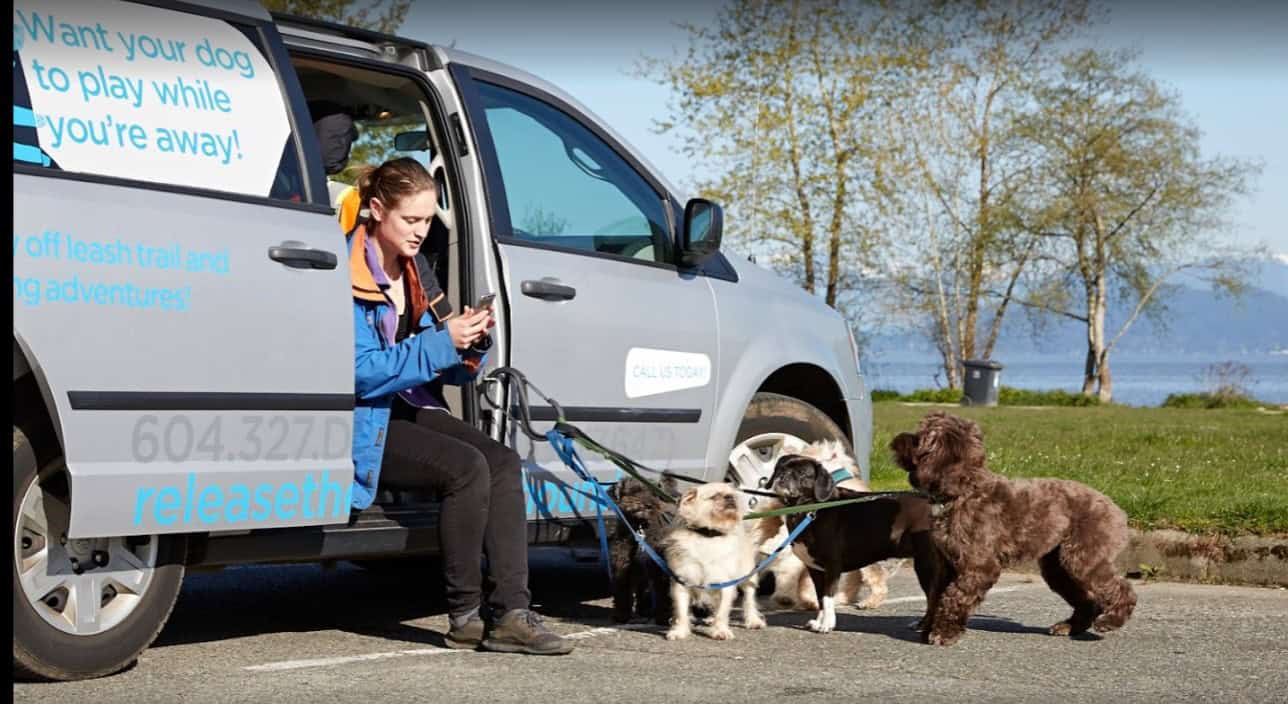
Operational proof (kept clean, not noisy) Conflict-of-interest protection (Tier 2+) We do not take on two direct competitors in the same industry and service area at the same time on Tier 2 plans and up. Ask if your niche and location qualify.


Want to validate the account end-to-end? Pair this service with Google Ads Audit Services and SEO Conversion Tracking and Lead Attribution.
Engagement options for PMax asset creation
Choose the level that matches your volume and how fast you need to iterate. For full pricing frameworks, see Google Ads Pricing and Packages.
Asset Sprint
Launch-ready PMax asset kit built around 3–5 core angles.
- Asset audit + gap map
- Angle library (hooks + proof + CTAs)
- Copy pack + image direction
- Initial asset group mapping
- QA + upload-ready organisation
Sprint + Optimise
Build assets, then run a structured replacement cadence to improve conversion quality.
- Everything in Tier 1
- Bi-weekly replacement loop
- New hook + proof tests per cycle
- Asset group refinement + landing alignment
- Monthly performance readout
Creative Engine
Ongoing asset production + weekly iteration for accounts with volume and multiple offers.
- Weekly creative tests
- Video cutdowns + refresh cadence
- Angle expansion + new asset groups
- Quality protection + waste reduction
- Clear deliverables + reporting
Timeline
Kickoffs are scheduled weekly to keep execution tight. Typical sprint timing depends on your asset readiness and whether we’re producing new video.
- Tier 1: 7–10 business days for a launch-ready kit (most accounts).
- Tier 2: First improvements usually appear after 1–3 optimisation cycles.
- Tier 3: Weekly testing cadence once the system is stabilised.
What we need from you
Keep this simple and we can move fast.
- Offer details, margins (if ecommerce), and fulfilment constraints.
- Access to Google Ads + conversion tracking (or we set it up).
- Any existing brand guidelines + proof you can legally claim.
- A short call to confirm best customers, objections, and “why you.”
Not sure your tracking is reliable? Start here: Conversion Tracking Setup (GA4 + GTM).
PMax asset creation FAQ
Clear answers, no fluff. If you want a full account teardown, see Google Ads Audit Services.
How do you decide what assets to build first?
Do you make videos, or just plan them?
What does “optimisation” mean for creative in PMax?
Can you help reduce wasted spend from mismatched traffic?
How do you measure “better” when PMax is multi-channel?
Is this only for ecommerce?
Can you align this with our broader SEO and landing pages?
Get a PMax asset plan
Tell us what you sell and what “good” looks like. We’ll reply within 1 business day with next steps and a recommended tier.
What happens after you submit
- We confirm receipt and review your website + offers.
- We recommend a tier (and add-ons only if they’ll move the needle).
- Then you’ll see a Calendly panel to book a kickoff call.


Prefer a full build? See Google Ads Account Setup.
1) Send your details
Looking for end-to-end support? Start here: Google Ads Management Services.